
Sia in the Browser
Sia now works in the browser. The Sia Storage JavaScript SDK communicates directly with storage hosts on the Sia network right from the browser. It connects to sia.storage to get a list of funded hosts, and from there it can read and write data to the Sia network with no intermediary.
The fastest way to try it is create-sia-app:
bunx create-sia-app
┌  Create Sia App
│
◇  What is your project name?
│  my-sia-app
│
◇  App key setup
│  Generate a new app key
│
◇  Indexer URL
│  https://sia.storage
│
◇  App description
│  My decentralized storage app
│
◇  Project created successfully
│
◇  Next steps
│  cd my-sia-app
│  bun dev
│
└  Happy building!
This scaffolds a React app with the Sia Storage SDK wired up.
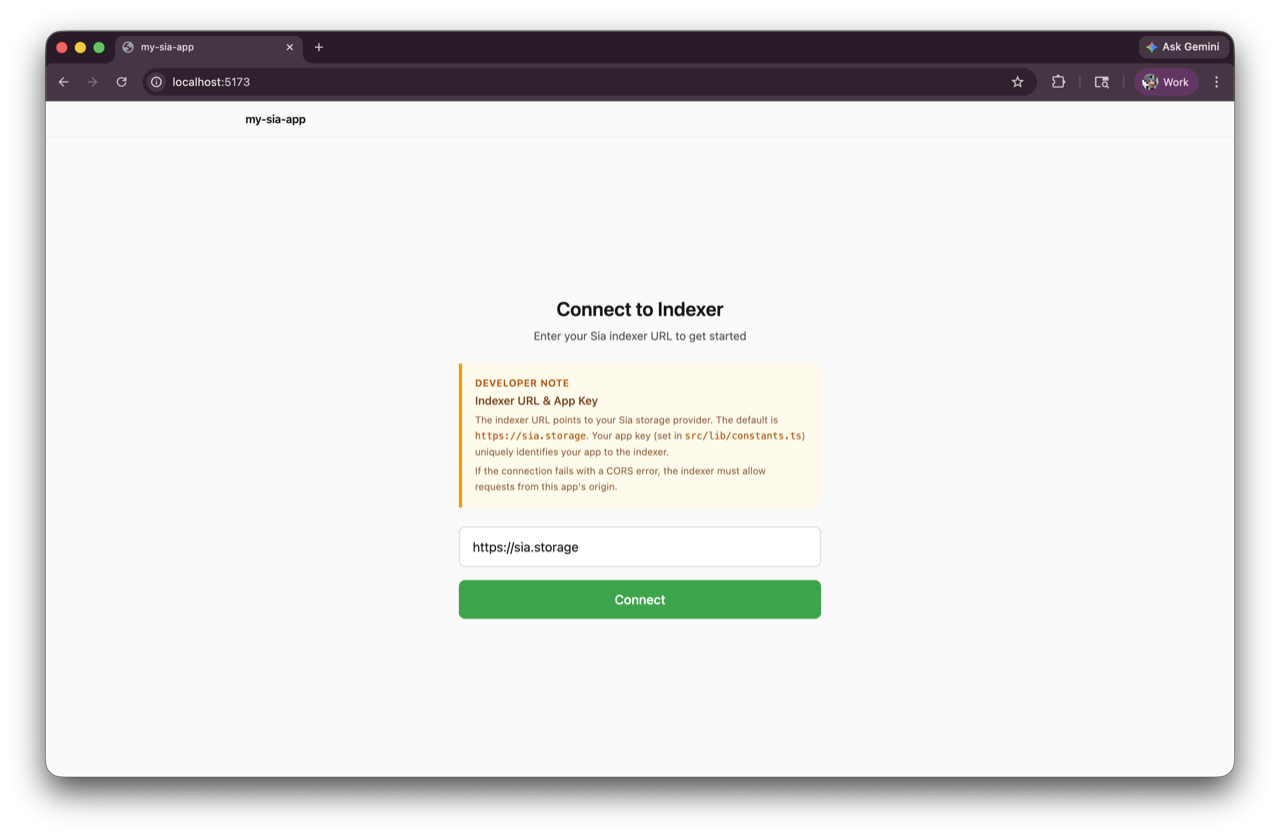
The app includes an indexer connection and approval flow, file uploads with progress, and a file list with download support. Run bun dev and you have a storage app in the browser.
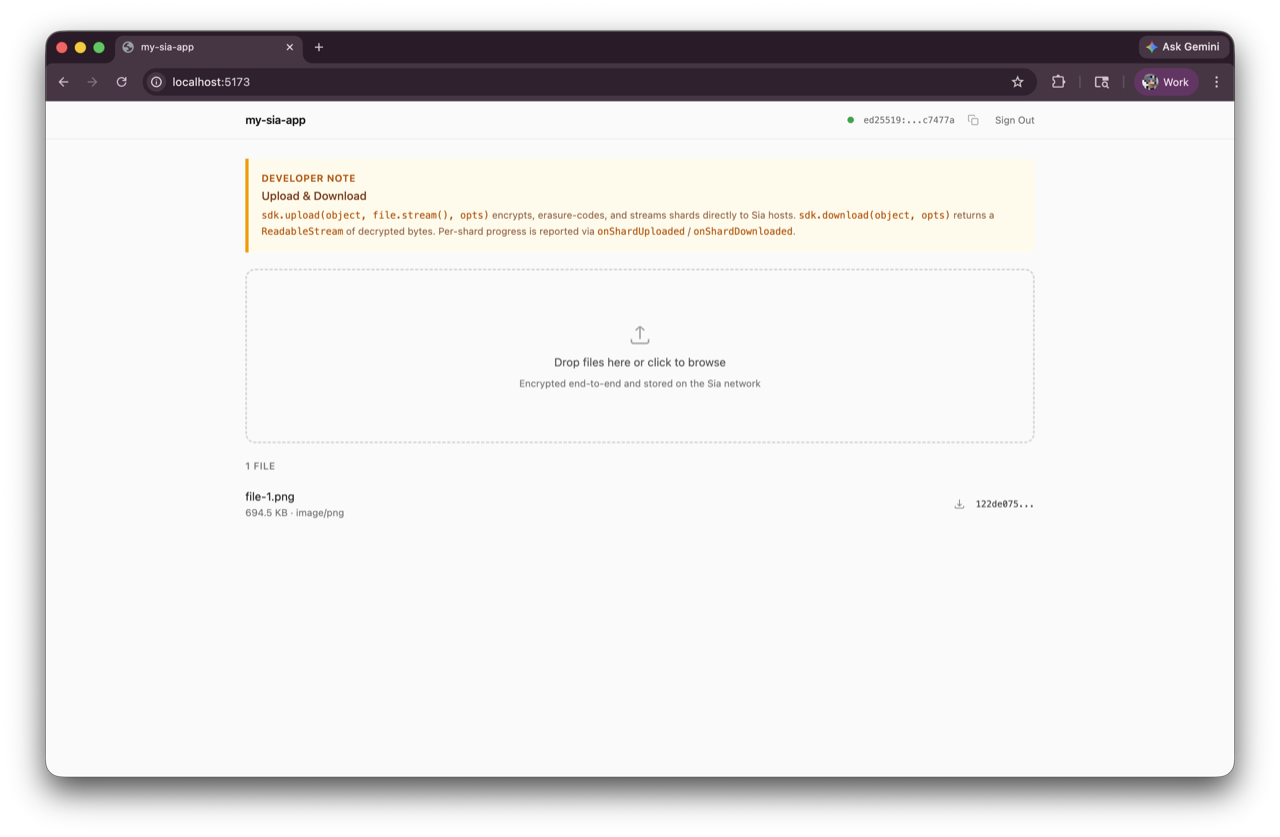
Use create-sia-app as a starting point to build any app. Maybe a simple video editing tool, an AI image generator, or a pastebin tool — Sia provides an encrypted storage layer for your apps, and your users get privacy by default. Learn how to build an AI image generator on Sia.
The scaffolded project also includes an AGENTS.md file so your AI agent of choice will immediately understand how to build with the Sia Storage SDK.
The Sia Storage SDK is available on npm as @siafoundation/sia-storage. It works in the browser, Node.js, and Bun.
npm install @siafoundation/sia-storage
Excited to see what you build. Reach out with any questions here.