Building a Private Image Generator on Sia
I built an AI image generator on Sia using create-sia-app. The app is called sia-studio. It works with any AI provider — OpenAI, fal.ai, Google, Replicate — and uses Sia as an encrypted, private storage layer.
The browser calls the provider's API directly, receives the image, encrypts it on your device, and uploads it directly to hosts on the Sia network. Provider API keys stay in your browser and never leave.
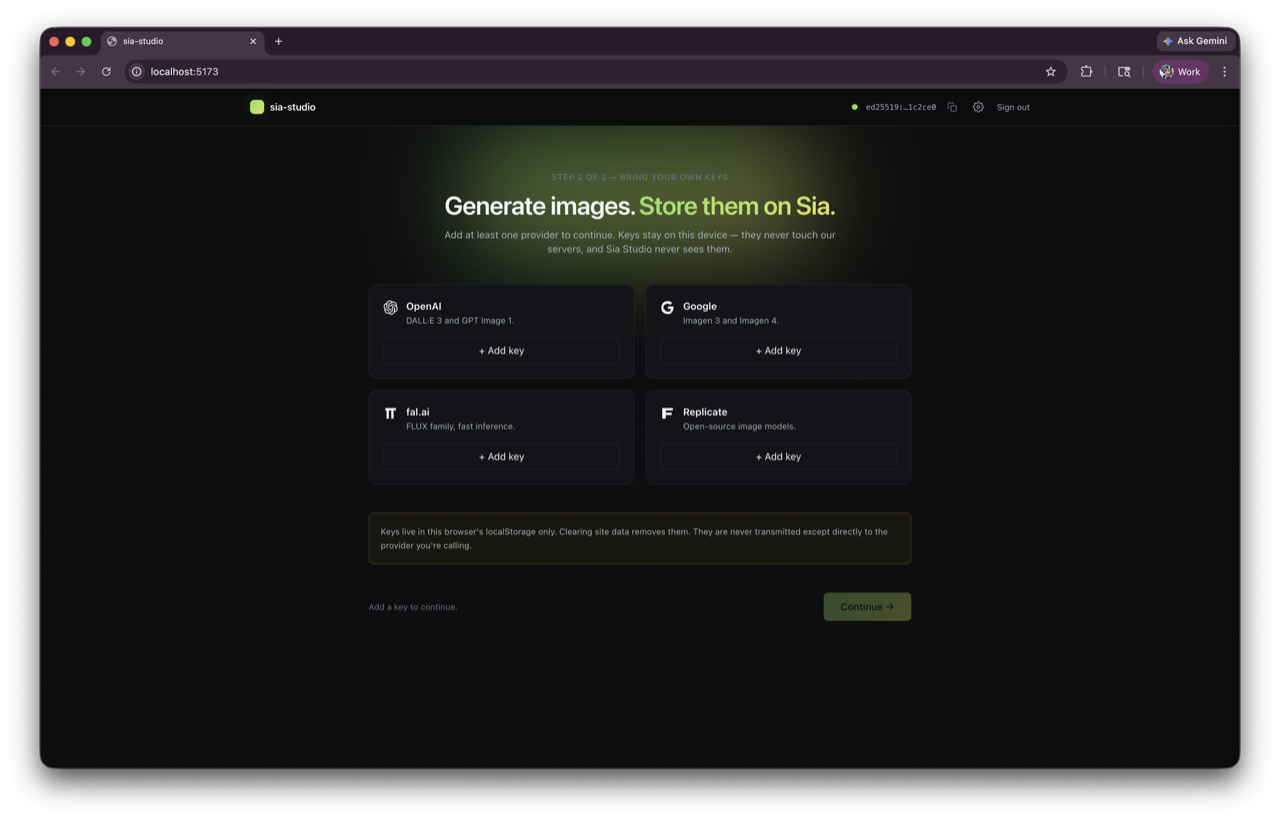
When you first open the app, you add your provider keys and connect to the Sia network.
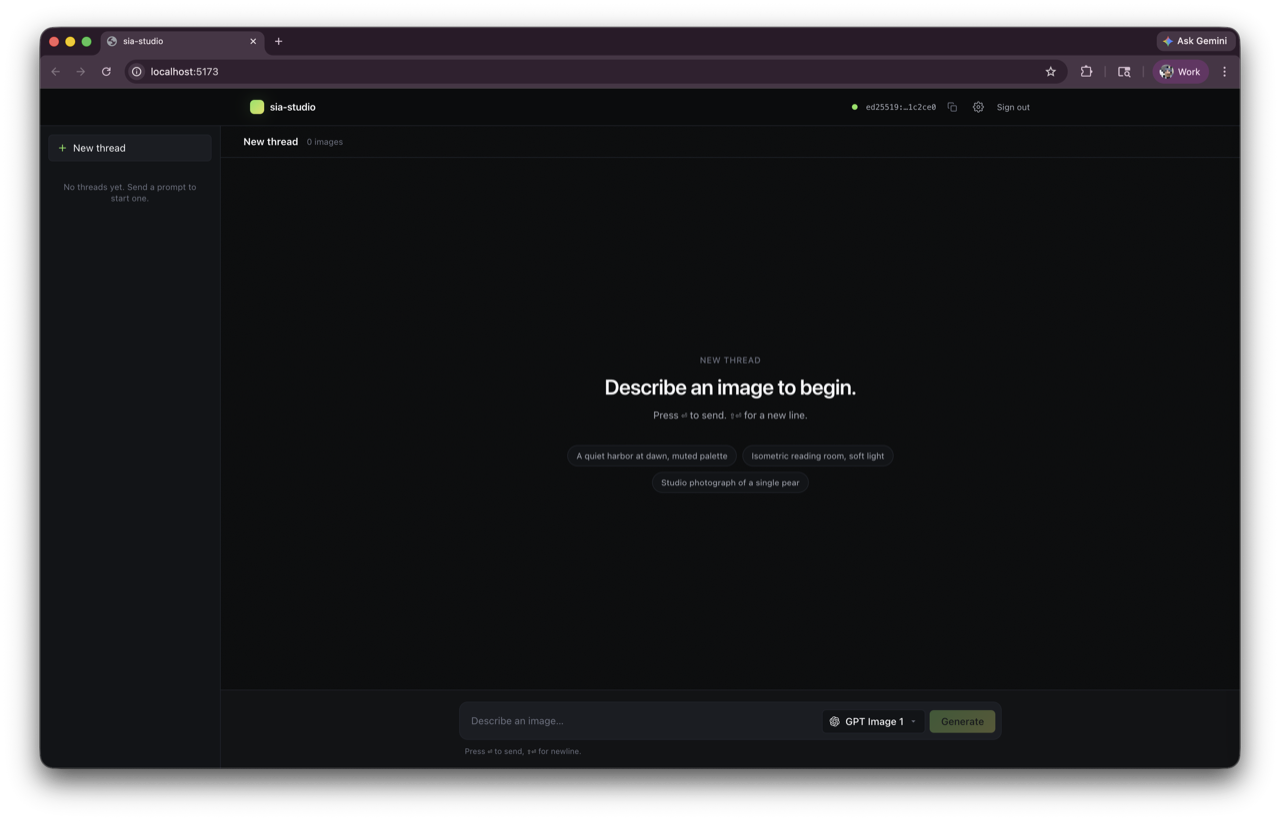
Start a new thread, type a prompt, pick a model.
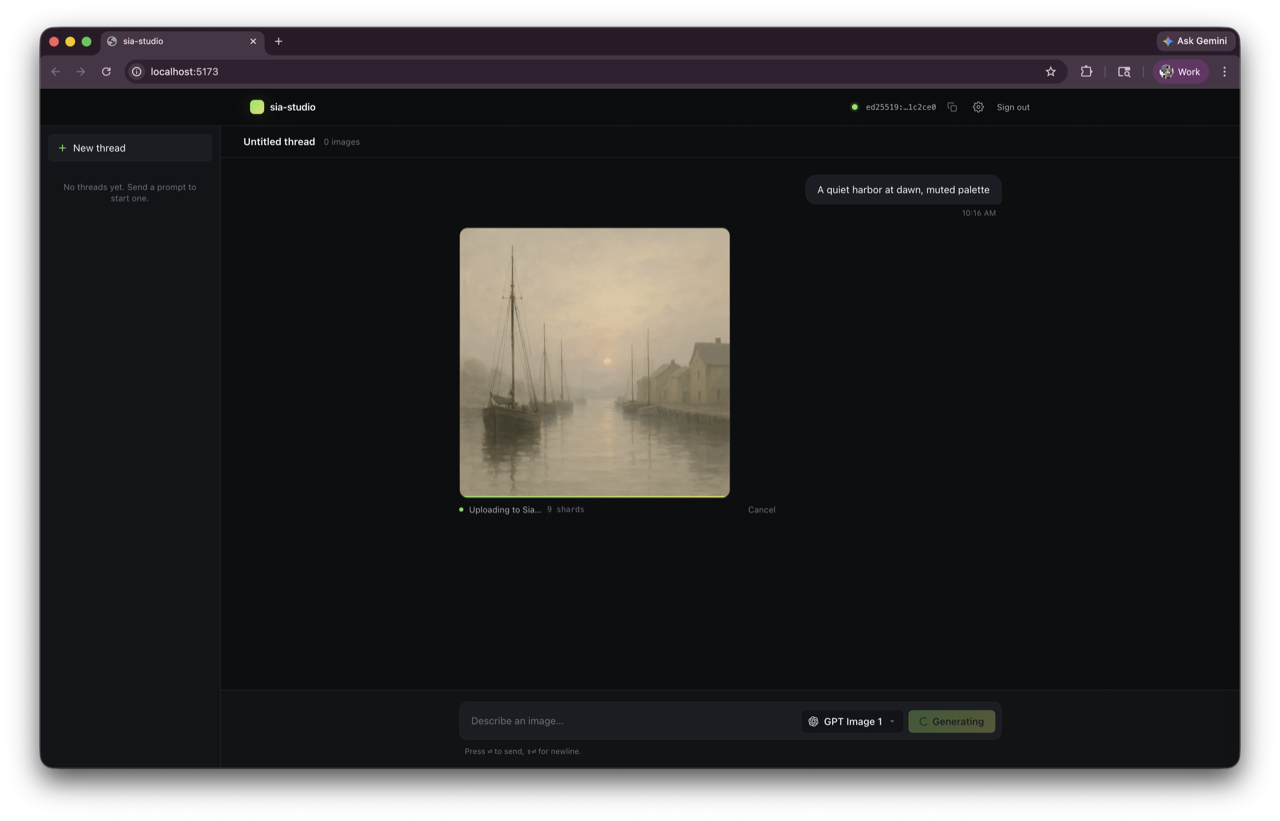
The image generates and uploads directly to the Sia network from your browser.
Once uploaded, the image is stored encrypted across Sia hosts. You can see the details — prompt, model, and a share URL.
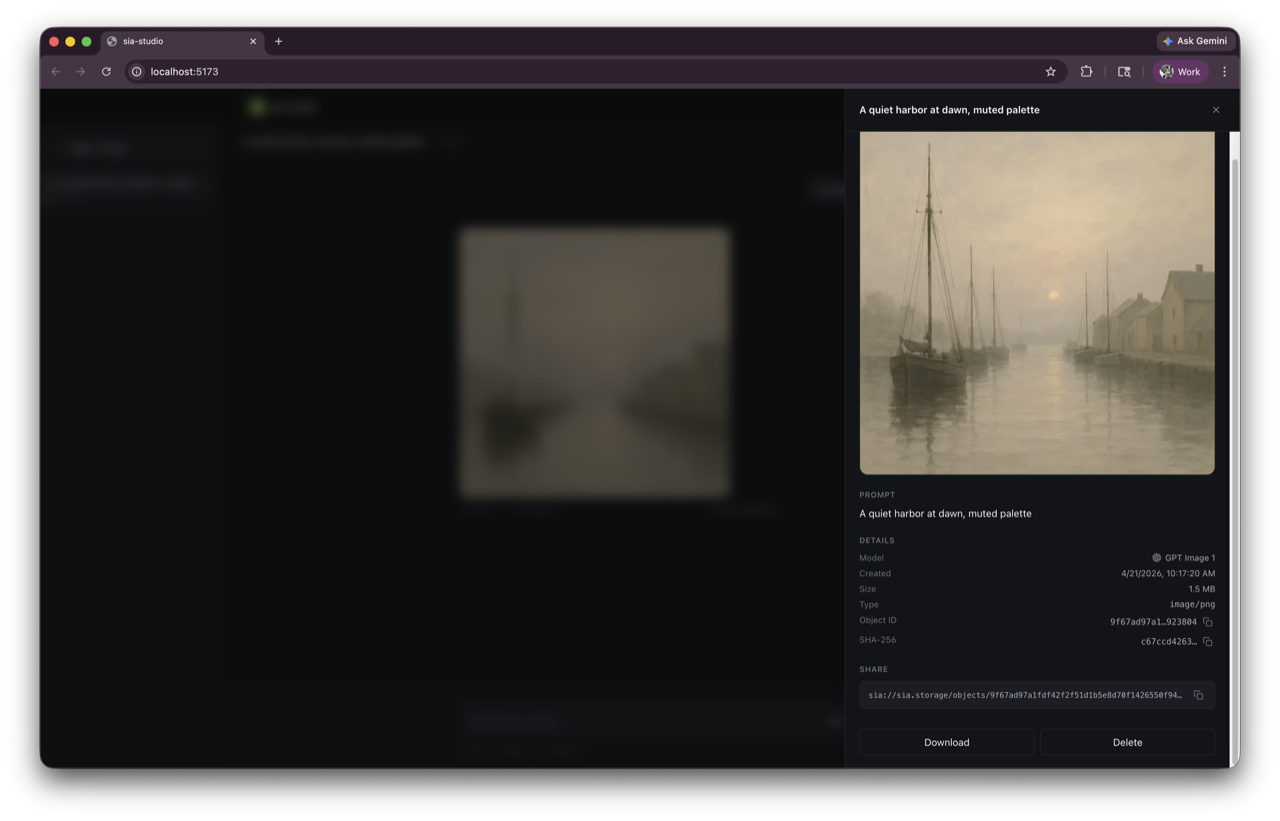
The share URL points to the object's Sia metadata — a pointer to where the data lives on the network. Anyone with it can download the image directly from Sia hosts, or import it into their own app. You choose what to share and what stays private.
Open the app in a different browser with the same recovery phrase and your work is there — every thread, every image, every prompt.
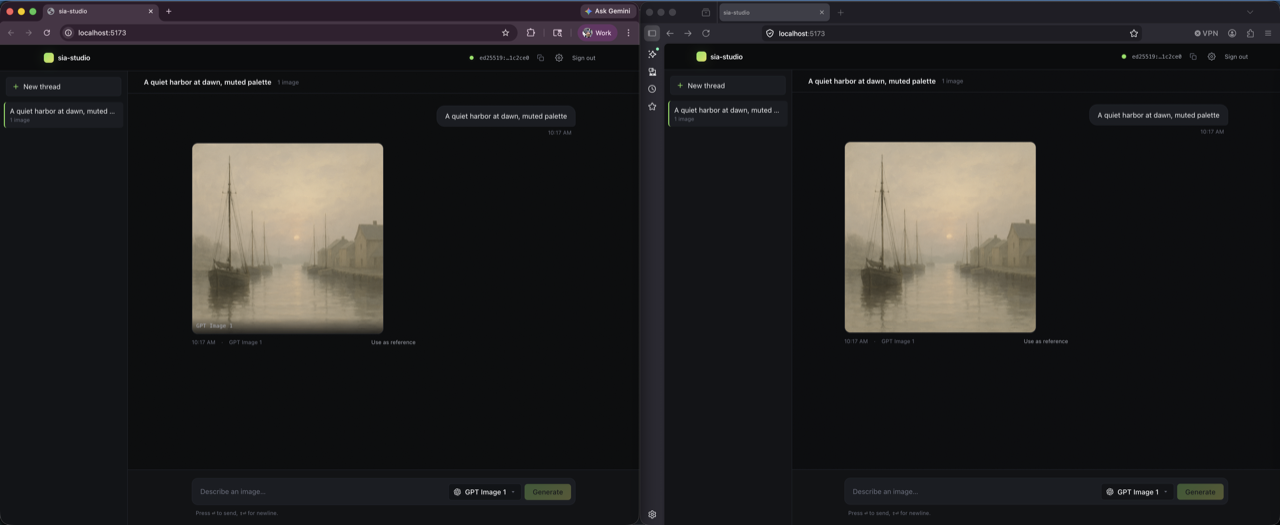
Under the hood, the raw image data is stored on Sia hosts. Each object on the Sia network has metadata — a pointer to where the shards live. This Sia metadata is what gets shared between apps via share URLs.
Alongside this, each object has encrypted app metadata. In sia-studio, that's the prompt, model, provider, thread, and any reference to a parent image. This encrypted metadata is how the app reconstructs the UI — and how it syncs across browsers. The indexer maintains an object event list that updates whenever encrypted metadata changes or whenever the indexer repairs data. The app polls with a cursor and only fetches what changed. The object event list is a convenient way to sync encrypted app metadata, but app developers can also opt to sync it through any other means.
With Sia, you can build apps where all user data is encrypted on their device and stored directly on the network. It's a great way to build where users control their data and get privacy by default.
Try it at sia-studio.alex-freska.workers.dev. Source is available at github.com/alexfreska/sia-studio.
Build your own:
bunx create-sia-app
Or use the Sia Storage SDK directly:
npm install @siafoundation/sia-storage
Reach out with any questions here.